 Sonora
🎙️
Streaming dictation
Text appears as you speak (with Gemini Live).
Sonora is a Spotlight-style floating bar, always a shortcut away. Press, dictate, and the text appears live — copied to the clipboard or typed straight at your cursor.
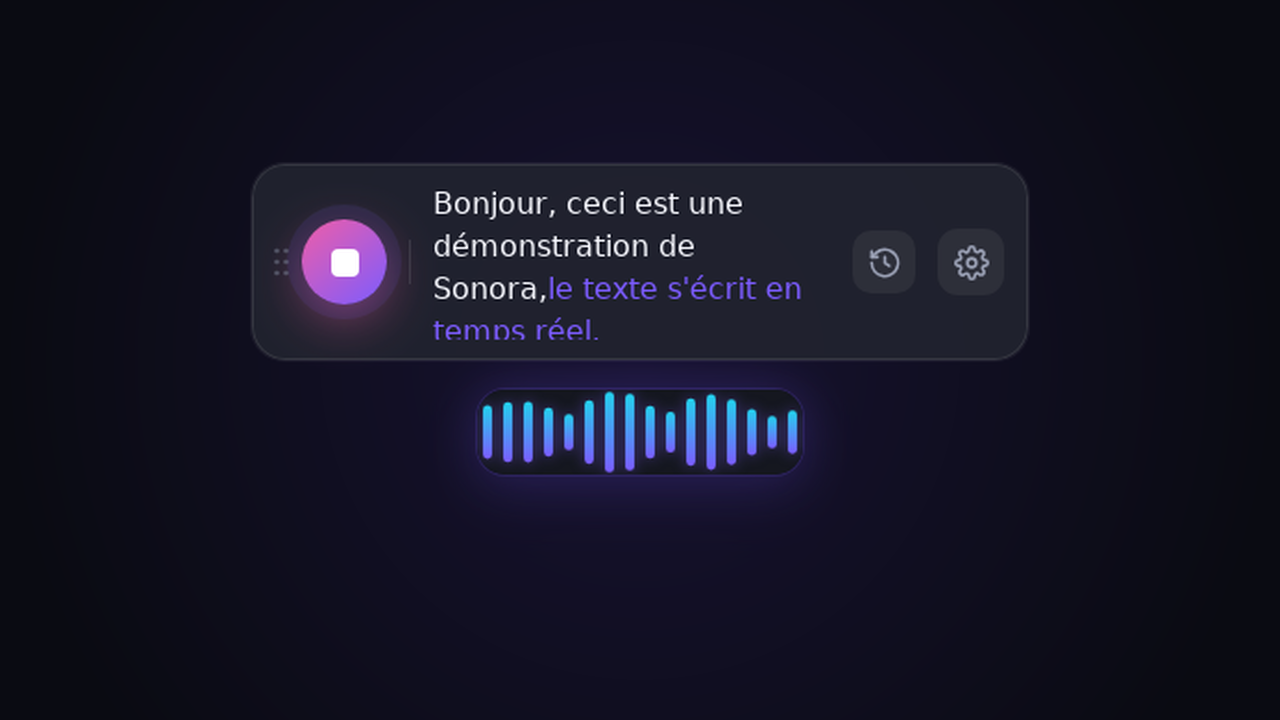
A minimalist tool, designed to stay out of your way.
Text appears as you speak (with Gemini Live).
The result is typed where you are, or copied to the clipboard — your choice.
Start and stop dictation without ever leaving your current app.
Gemini, Mistral (Voxtral), OpenAI, Groq, any compatible endpoint, or local Whisper.
An optional pass removes "uh", false starts and repetitions.
Transform a dictation through an LLM: formal tone, terminal command, professional rewrite…
Find and re-copy your previous dictations in one click.
Your API keys are stored in the OS keyring, never in plaintext on the interface.
Light, dark or system, with a sound wave driven by the real audio level.
From the fastest cloud to 100% offline. You stay in control of your data.
| Provider | Transcription | Reformulation | Key required | Offline |
|---|---|---|---|---|
| Gemini Live | streaming word-by-word | ✓ | yes | — |
| Mistral (Voxtral) | per segment | ✓ | yes | — |
| OpenAI Whisper | per segment | ✓ | yes | — |
| Groq Whisper | per segment fast | ✓ | yes | — |
| OpenAI-compatible | per segment | ✓ | host-dependent | possible |
| Local Whisper (ggml) | per segment | — | no | ✓ |
From install to your first dictation in under two minutes.
Download Sonora, open the Settings (⚙ icon on the bar), pick a provider and paste your API key (or point to a local Whisper model).
The floating bar appears and dictation starts. A sound wave confirms Sonora hears you.
Release: the text is typed where you were working, or copied to the clipboard. Reformulate it if needed with your prompts.
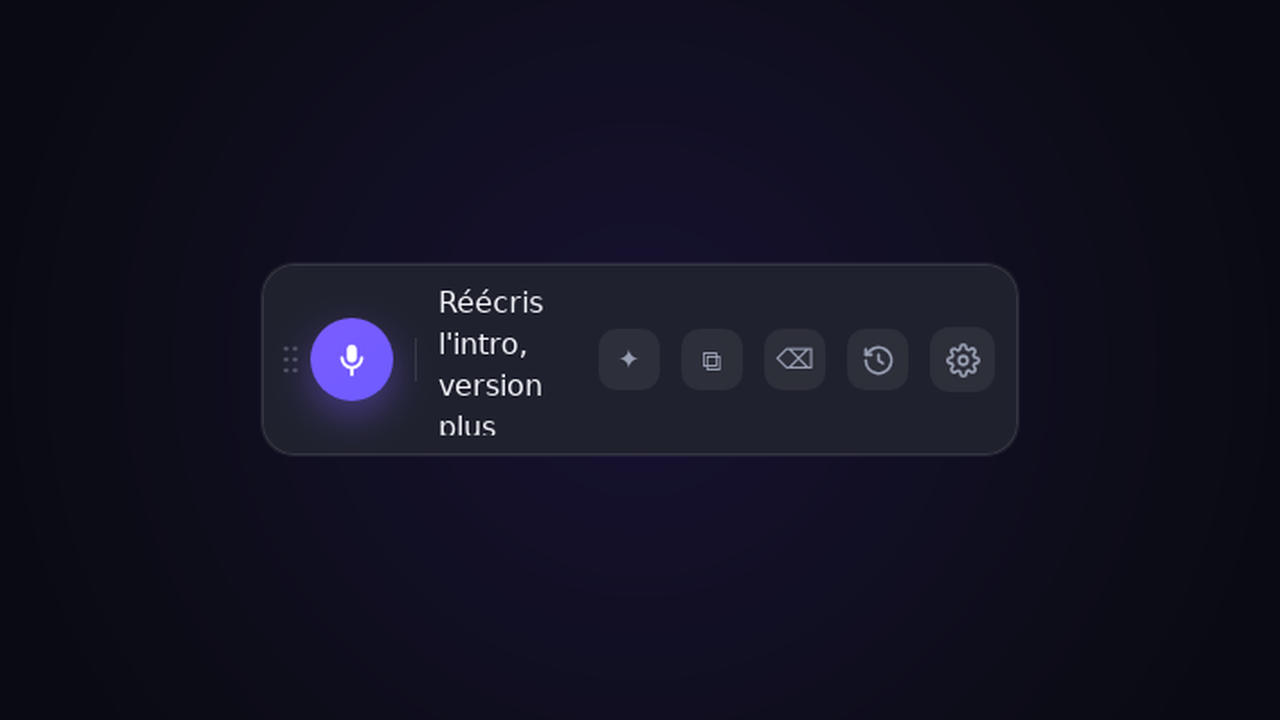
A demo is worth a thousand words: the dictation writes itself live, then lands at the cursor.
Everything you need to know before your first dictation.
Yes — Sonora is 100% free and open-source under the MIT license. No account, no subscription. Bring your own API key for cloud engines, or run everything locally for free with Whisper.
Yes. With the built-in local Whisper engine (ggml), transcription runs entirely on your machine — no API key, no internet, and nothing leaves your computer.
macOS (Apple Silicon & Intel), Windows and Linux. Sonora ships as a lightweight native binary built with Tauri.
Yes — Sonora is a free, cross-platform, privacy-first alternative to voice-dictation tools like Wispr Flow, superwhisper and Dragon NaturallySpeaking. You choose your engine (Gemini, Mistral, OpenAI, Groq or any OpenAI-compatible endpoint) or run fully local Whisper.
Your API keys live in the OS keychain, never in plaintext. Audio is sent only to the provider you pick — or nowhere at all with local Whisper.
Yes — Sonora types the text straight at your cursor, or copies it to the clipboard. On Linux it uses wtype (Wayland) or xdotool (X11); on macOS it needs the Accessibility permission.
Open source, free, MIT-licensed. Your keys and your data stay with you.